Monitor Height
Top of screen at or slightly below eye level. Roughly an arm's length from your seated position.
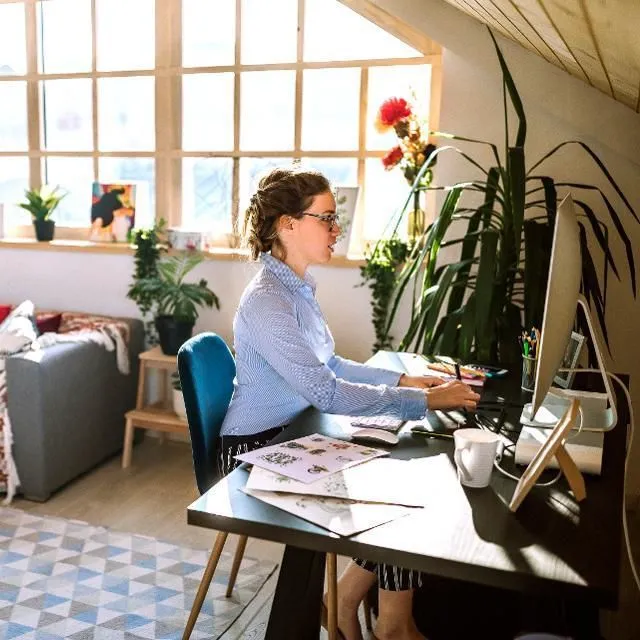
Tap any highlighted zone on the figure to view practical setup suggestions for that area.
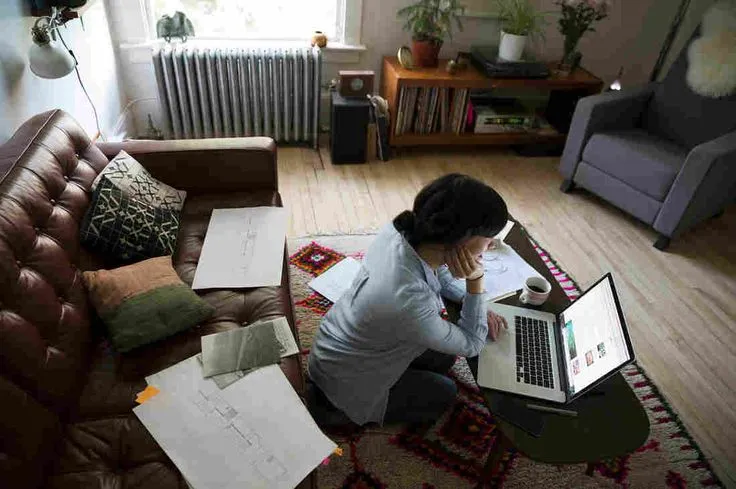
This tool replaces dense articles with clickable guidance. Each zone provides two or three actionable steps you can apply immediately at your desk.
No specialised equipment required — adjustments use items commonly found in office environments.
These foundations apply regardless of which zone you select.
Top of screen at or slightly below eye level. Roughly an arm's length from your seated position.
Elbows at roughly ninety degrees. Wrists neutral, not bent upward or downward while typing.
Feet flat on floor or footrest. Thighs parallel to ground with a small gap behind the knees.
Proper setup works alongside regular short pauses. Visit the vault for routines matched to your available minutes.
Open Micro Breaks
We use cookies to improve site functionality and analyse traffic. You can accept or decline non-essential cookies. See our Cookies Policy for details.